Island
Tools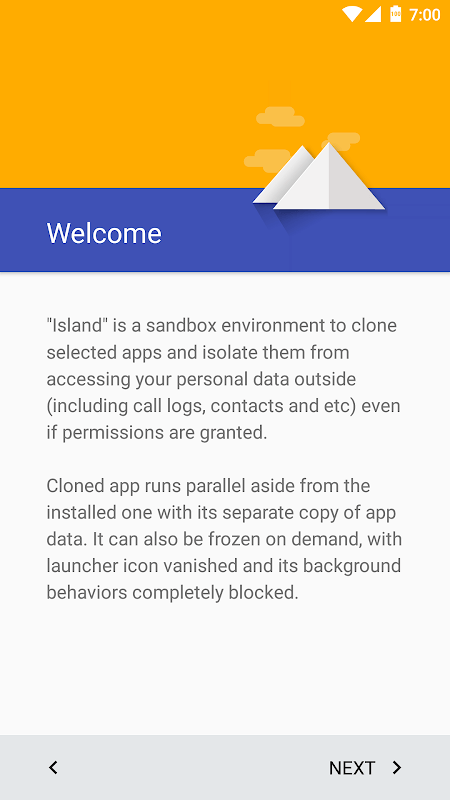
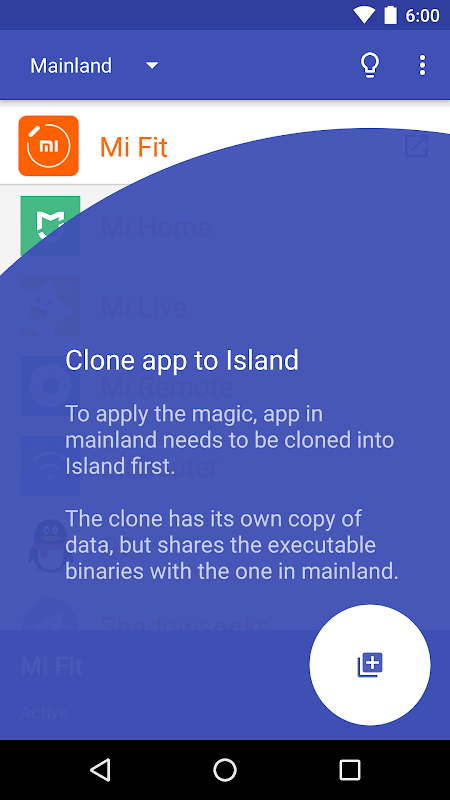
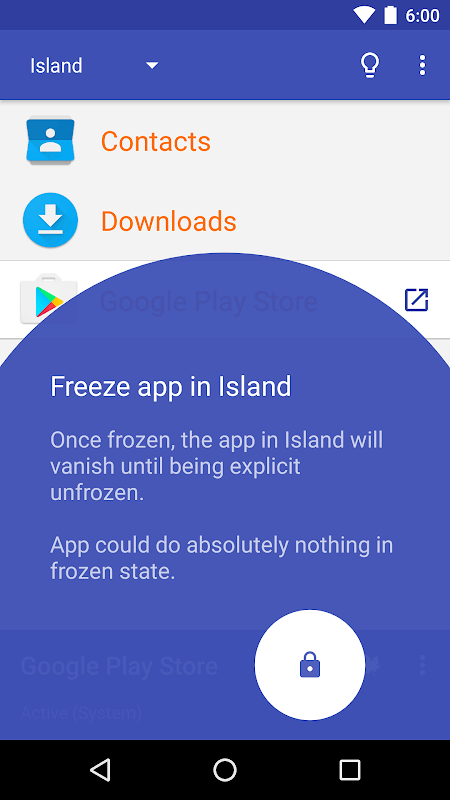
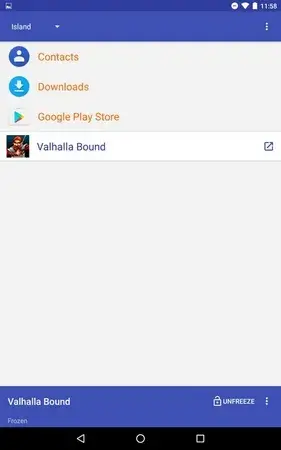
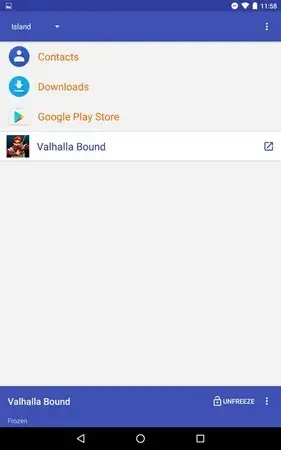

Island is a lightweight Android utility that creates a sandbox environment, allowing you to run selected apps in isolation from the rest of your device. By using Android’s work profile feature, Island helps protect your personal data and keeps potentially intrusive apps from accessing your main profile.
This page provides the latest version details, a quick installation guide, and practical advice on safety and troubleshooting.
Quick Information
| App/Game Name | Island |
| Latest Version | 6.4.2 |
| Developer | Not listed |
| Category | Apps / Tools |
| App Size | 3.36 MB |
| Package Name | com.oasisfeng.island |
| Last Updated | 14 January 2026 |
What Is Island?
Island leverages Android’s built‑in work profile to generate a separate space on your phone. Within this space you can install, clone, or move apps so they operate without sharing permissions, files, or accounts with apps in your primary profile. The core purpose is privacy: apps that request excessive permissions can be confined, reducing the risk of data leakage.
Typical use cases include:
- Testing new apps without affecting your main setup.
- Running social or gaming apps that you don’t want to access your contacts or location.
- Keeping work‑related apps separate from personal ones.
Island works on Android 5.0 (Lollipop) and newer, provided the device supports work profiles.
Compatibility
| Android Version | Not Verified |
| Architecture (ARM64 / 32-bit) | Not Verified |
| Internet Connection | ✓ Verified — May be required for ads, updates, or login |
| Storage Needed | Not Verified |
| OBB/Data Files | Not Verified |
| Root Required | Not Verified |
How to Install
- Download the Island APK file to your device.
- Before installing, enable Install unknown apps for the browser or file manager you used (Settings → Apps → Special app access → Install unknown apps).
- Tap the downloaded APK to start the installer and follow the on‑screen prompts.
- After installation, open Island and grant the required permissions (device admin and profile creation). The app will guide you through creating the work profile.
- Once the profile is set up, you can add apps to Island via the “Add apps” button inside the app.
Troubleshooting
- App not installed: Ensure unknown sources are enabled and that the APK matches your device’s architecture (ARM vs. x86).
- Island crashes on launch: Clear app data (Settings → Apps → Island → Storage → Clear data) and restart the device.
- Sandboxed apps won’t open: Verify that the work profile was created successfully; you may need to re‑run Island’s setup wizard.
- Permissions denied: Island requires device‑admin rights to create the profile. Re‑grant this permission in Settings → Security → Device admin apps.
Safety & Security
Island itself is an open‑source project that does not collect personal data. Nevertheless, always download the APK from a reputable source and verify the file’s integrity if a hash is provided. Review the permissions the app requests; they are limited to what is needed for creating and managing a work profile. Avoid entering sensitive login information into sandboxed apps unless you trust the source.
How Island Compares
| Feature | Island | Parallel Space | Shelter |
|---|---|---|---|
| Price / Free model | Free (open source) | Free with ads / premium | Free (open source) |
| Platform availability | Android 5.0+ | Android 5.0+ | Android 5.0+ |
| Standout feature | Uses native work profile for true isolation | Clones many apps simultaneously | Simple UI, no ads |
| Best for | Privacy‑focused users | Power users needing multiple clones | Users who want a clean, ad‑free sandbox |
Alternatives
- Parallel Space – A popular cloning tool that lets you run multiple instances of the same app, but it relies on a custom sandbox rather than Android’s work profile.
- Shelter – Another open‑source sandbox that also uses the work profile, offering a minimalist interface and no ads.
- App Cloner – Allows you to create modified copies of apps with custom permissions, though it may require root for full functionality.
Final Verdict
Island is a solid choice for anyone who wants a lightweight, system‑level sandbox without extra ads or unnecessary permissions. It works well on most modern Android devices and is especially useful for privacy‑conscious users. Before installing, verify the APK source and ensure your device supports work profiles. If you need multiple cloned instances or a more feature‑rich UI, consider Parallel Space or Shelter as alternatives.
Frequently Asked Questions
Island is open source and does not collect personal data, but you should always download it from a trusted source and review the permissions it requests.
Island works on Android 5.0 (Lollipop) and newer, as long as the device supports work profiles.
No, Island uses Android's native work profile feature and does not require root.
Yes, once the work profile is created you can open the Play Store within Island and install apps there.
Device‑admin rights are needed to create and manage the work profile that isolates apps.
Island itself has a minimal impact on battery; any additional apps you run inside the sandbox will consume resources as they would in the main profile.
Yes, Island provides an option to add or clone installed apps into the sandboxed work profile.
Island is free and open source; there is no paid version.